Document Management Service: how we built a secure file storage in 3 months
The business requested a service for accounting and exchanging documents of senior management. The functionality is similar to Google Drive: subfolders, sharing, search, favorites, trash. But with strict security requirements: file encryption, 1-hour session, authorization through our service. We chose Laravel, PostgreSQL, and DocumentDB (later MongoDB) for hashes, and connected WebSockets for real-time. The project was completed on time — the business is successfully using it.
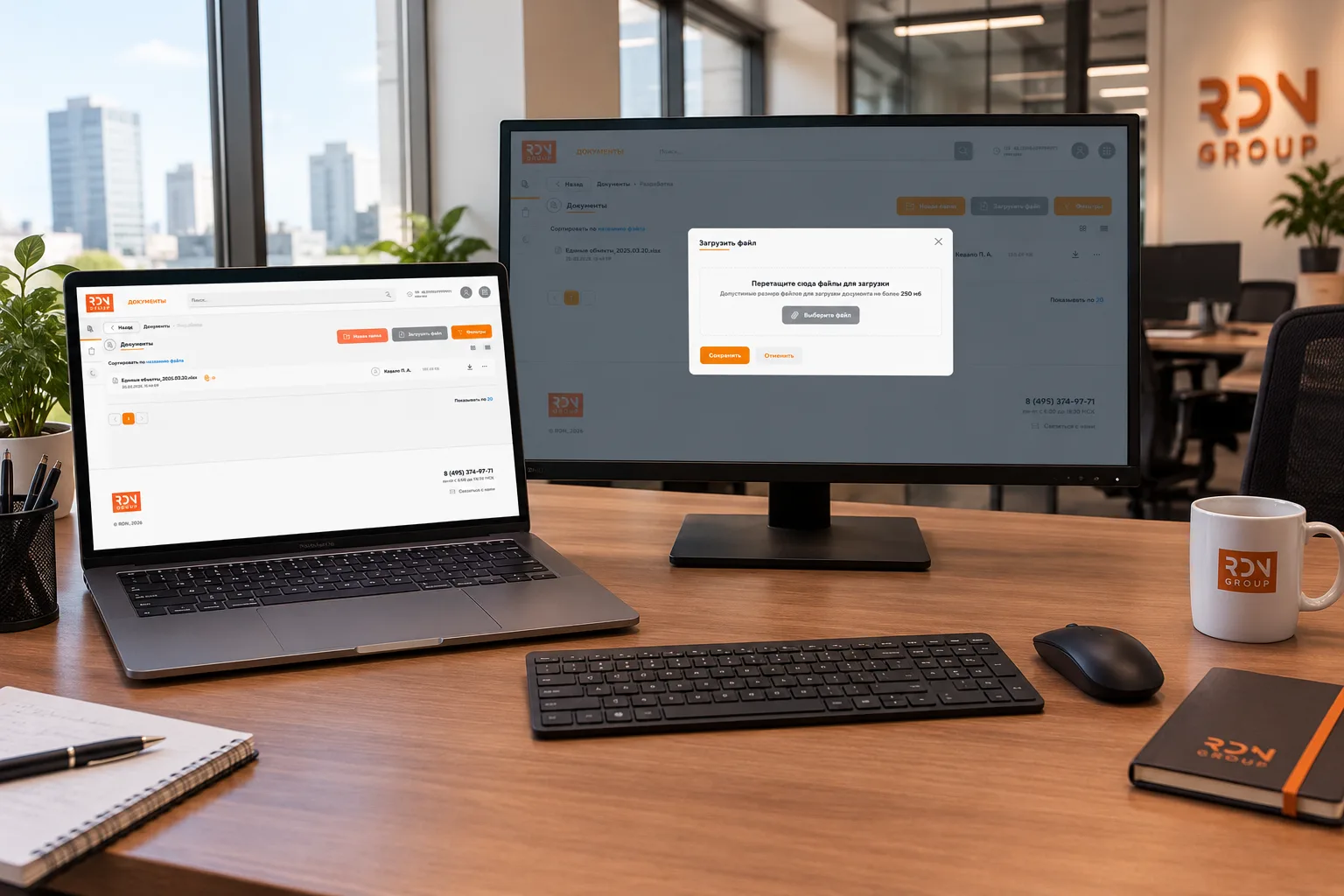
A Secure Document Management Service for Senior Executives
Context: A Request for Secure Document Management
On a project where we were already responsible for centralized authentication and a notification service, the business brought us a new request: build a service for managing and sharing documents used by senior executives.
Functional Requirements
- Create nested groups (directories) with no fixed depth limit.
- Upload files and archives to directories.
- Share access to individual files and entire directories.
- Search quickly by name.
- Filter by shared files, file type, size, and other attributes.
- Add files and directories to favorites.
- Move items to a trash bin, with the option to permanently delete selected items or empty it completely.
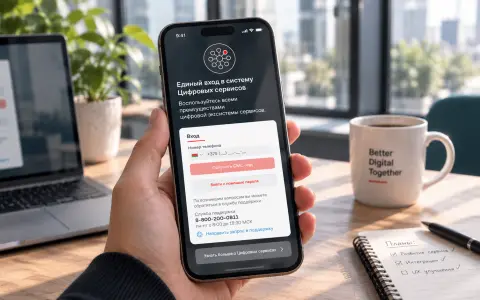
- Integrate with our existing authentication service. For executives, the new service had to appear first in the application list.
- Limit sessions to one hour and display a countdown until automatic logout.
- Allow everyone with access to comment on files and directories.
- Support reactions to comments.
Security Requirements
All files had to be encrypted. If an attacker gained access to the stored files, they should not be able to read their contents.
The delivery deadline was three months.
Scope: What “Similar to Google Drive” Meant
To make the scope clear, here is the Google Drive functionality we needed to reproduce:
- File storage and organization: uploading files, creating folders, and maintaining a nested directory structure without a fixed depth limit.
- Access sharing: configurable permissions—viewing, commenting, and editing—for individual files and folders.
- Search: fast searches by name, file type, modification date, and other attributes.
- Favorites: marking files and folders for quick access.
- Trash: restoring deleted items or permanently removing them.
- Collaboration: allowing multiple users to access shared content and providing shared spaces for teams.
We needed to implement this functionality with an emphasis on security, within a closed environment for senior management.
Architecture: Laravel, PostgreSQL, and MongoDB
We chose a stack that supported rapid development while meeting the project’s security requirements.
Laravel: The Application Framework
Laravel was a natural choice for a project where development speed and reliability mattered. It provided:
- Built-in authentication and authorization capabilities.
- Convenient queue processing for file encryption and other background tasks.
- An ecosystem of packages for file encryption.
PostgreSQL: The Primary Database
We used PostgreSQL to store file structure and metadata:
- Directory hierarchies.
- File metadata, including names, sizes, types, and upload dates.
- Access permissions.
- Favorites and trash state.
PostgreSQL handled the fast searches and filtering required by the service.
DocumentDB, Later MongoDB: Hashes and Linking Keys
We initially used DocumentDB and later migrated to MongoDB because of restrictions within the internal environment.
Each file was encrypted using a secret key. In DocumentDB, and subsequently MongoDB, we stored:
- Hashes of encrypted files.
- Unique linking keys—not the encryption keys—used to associate records with data in PostgreSQL.
Why MongoDB Rather Than S3?
In our particular scenario, MongoDB performed faster than S3 for the file-related operations we evaluated. Responsiveness mattered: executives needed to open documents without noticeable delays.
Importantly, we did not store the files themselves in MongoDB. It held only hashes of the encrypted file contents and linking keys. File metadata remained in PostgreSQL.
Security: Encryption and Short Sessions
Security was a core requirement. We implemented two layers of protection.
1. File Encryption
Every file was encrypted using a secret key. An attacker who gained access to the file storage would see only encrypted data.
We used a streaming encryption approach, similar to that provided by Laravel file-encryption packages, rather than loading entire files into memory. This was important for large files and archives.
The workflow was:
- A user uploads a file.
- The file is encrypted using a secret key.
- The encrypted file is saved to storage.
- Its hash and unique linking key are saved to MongoDB.
- Its metadata—name, size, and permissions—is saved to PostgreSQL.
- When an authorized user downloads the file, it is decrypted and delivered to them.
2. One-Hour Sessions
Executive sessions were limited to one hour. The interface displayed a countdown until automatic logout.
This provided an additional security measure: even if a device was left unattended, the session would expire after one hour.
Real-Time Updates with WebSockets
We integrated WebSockets to broadcast changes in real time.
This meant:
- When a user shared a file with a colleague, it appeared for the recipient without a page reload.
- When a file was deleted or moved, the change appeared for everyone with access.
- Collaboration felt more responsive.
Frontend: Vue.js
We built the frontend with Vue.js, which provided:
- A responsive interface.
- Convenient navigation through nested directories and files.
- Integration with WebSockets for real-time updates.
Results: Delivered on Time and Adopted by the Business
The project was completed within the three-month deadline. The service launched successfully, and the business actively uses it.
Technology Stack
ComponentTechnologyBackendLaravel (PHP)Primary databasePostgreSQLHashes and linking keysDocumentDB, later MongoDBReal-time communicationWebSocketsFrontendVue.js
Lessons Learned
1. Security Is an Architectural Concern, Not an Add-On
File encryption, short sessions, and separate storage for metadata and hashes were considered during the design phase rather than added afterward.
2. Tight Deadlines Are Achievable When Requirements Are Clear
Three months is a short timeframe for this scope. Clear requirements and the right tools helped us deliver on schedule.
3. MongoDB for Hashes Was Unconventional but Justified in Our Case
Hashes are often stored in the same database as file metadata. In our case, MongoDB provided the performance we needed for linking files to their associated records.
We deliberately kept the files themselves outside MongoDB. Laravel’s support for multiple database connections made the integration straightforward.
4. Real-Time Updates Improve Collaboration
WebSockets made the service more responsive. Users saw changes immediately rather than having to refresh the page.
Conclusion
This project shows how Google Drive-style functionality can be implemented within a closed environment with strict security requirements.
We used familiar technologies—Laravel, PostgreSQL, and Vue.js—and added the mechanisms needed to protect executive documents: encryption, short sessions, and separation of stored data.
The service is live, the business uses it, and we met the deadline.